The Multi-Brand
Mail Stack
Stop toggling between six tabs just to send one email. One clean, modern email infrastructure — built for operators running multiple brands, multiple audiences, and zero patience for chaos.
Done-for-you · Limited spots per month
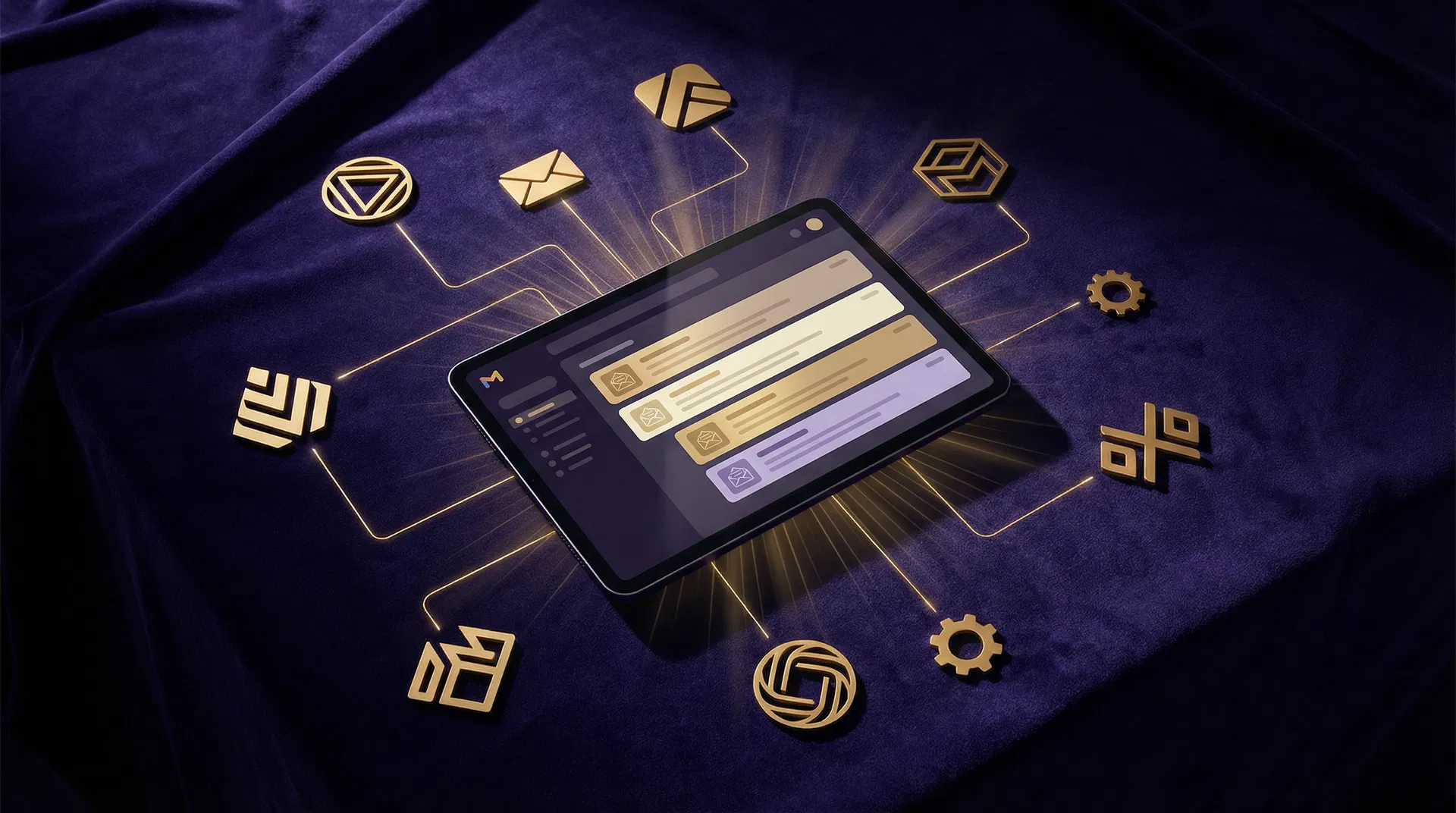
Your email situation is
a beautiful disaster
You're switching accounts constantly. Gmail for Brand A, then Brand B, then logging into your ESP, then back again. You've lost count of how many tabs are open.
You've sent from the wrong brand. It happens. Your coaching audience got your agency newsletter. Your agency got your personal story. The cringe was real.
You have no idea what's actually performing. Open rates, sequence status, deliverability — it's scattered across three platforms and you're flying blind.
Your tools don't talk to each other. You duct-taped it together and now you're afraid to touch anything in case the whole thing falls apart.
One cockpit.
Every brand. Total clarity.
The Multi-Brand Mail Stack is a purpose-built email infrastructure system — not another SaaS subscription, not a course about email strategy. A working technical setup, built on best-in-class modern tools, that you own and control completely.
Unified Inbox View
All your brand inboxes, color-coded and consolidated. Read, reply, and manage without switching accounts. Your brands stay separate — your brain stops fragmenting.
Send As Any Brand
One compose window, multiple identities. The right from-name, signature, and reply-to auto-populate based on which brand you select. No more wrong-brand sends.
Automation Status Board
See your active Make.com scenarios per brand — last run, success/fail, and quick-trigger buttons. Finally know what's automating and what needs your attention.
Performance Snapshot
Open rates, sequence status, subscriber counts — pulled from all your email platforms into one clean view. No dashboard hopping, no mental math across tools.
What your dashboard
actually looks like
Not a mockup. Not a concept. This is the working command center you log into every morning.
Unified Inbox
Performance This Week
Automation Status
Every brand. Every inbox. Every automation. Every metric. One screen. No tab-switching.
Your entire mail stack,
built and delivered
The Multi-Brand Mail Stack
Pricing based on number of brands · You own everything
I build your entire email stack from scratch. You show up to a working system, trained to use it, and walk away owning it completely.
- ✦ Full account setup across all platforms for every brand
- ✦ Multi-brand email architecture — decisions already made
- ✦ Custom automation build tailored to your brand stack
- ✦ Unified dashboard built and configured for your brands
- ✦ Migration support from your current ESP
- ✦ Transactional email setup + sending identity configuration
- ✦ 60-min handoff call + recorded walkthrough
- ✦ 30 days of async support post-delivery
Frequently Asked Questions
Can I really manage all my brands' email from one place?+
Yes. The Mail Stack gives you a unified dashboard where you can compose, schedule, and track email across every brand. Each brand maintains its own identity, templates, and audience segments — but you operate from a single command center instead of logging into separate accounts.
Will recipients see the right brand on every email?+
Absolutely. Each brand has its own sender identity, domain, templates, and voice. When you compose in the unified dashboard, you select the brand and the system handles formatting, sender details, and compliance automatically. No risk of sending from the wrong brand.
What email platforms does this integrate with?+
We work with major email service providers including Google Workspace, and popular ESPs. The Mail Stack sits as an orchestration layer on top, so you keep the tools you're already using while gaining unified visibility and control.
Can I automate sequences across brands?+
Yes. You can build automation workflows that span brands — for example, when someone engages with Brand A's content, trigger a nurture sequence from Brand B. The automation engine handles cross-brand logic that would be impossible to manage manually.
How does this affect my deliverability?+
It improves it. The Mail Stack includes deliverability monitoring per brand, proper authentication setup (SPF, DKIM, DMARC), and sending reputation tracking. You'll see deliverability scores in your dashboard and get alerts before problems affect your sends.
How long does setup take?+
A typical Mail Stack deployment takes 2-3 weeks. Week one covers domain authentication and platform integration, week two builds your templates and automation workflows, and week three handles testing and team training.
Stop duct-taping.
Start operating.
Your email infrastructure should work as hard as you do — across every brand, every audience, every send.
Questions? Email [email protected]
We use cookies to enhance your browsing experience and analyze site traffic. By clicking "Accept," you consent to our use of cookies. Read our Privacy Policy for more information.